



Description
Download Total VPN – free vpn, unlimited vpn, secure internet, no data limits, privacy protection
Overview
Total VPN is a desktop application designed to provide users with secure internet access through encrypted connections. The software aims to protect online privacy by masking IP addresses and shielding data from potential surveillance or tracking. It is positioned as a solution for individuals seeking unrestricted and private browsing, particularly in environments where network monitoring or content restrictions may be present.
The application targets a broad audience, including remote workers, students, and general internet users concerned about digital privacy. It may be especially useful in public Wi-Fi scenarios, where data interception risks are higher. The software is intended to offer seamless connectivity without imposing data caps, allowing users to browse, stream, or download without restrictions.
Developed by Total VPN, the tool is available across multiple platforms, including Windows, Mac, and Linux, indicating a focus on cross-device accessibility. The release date of August 1, 2024, marks its entry into the privacy-focused software market. While no additional details about the company’s background or infrastructure are provided, the product’s core purpose centers on delivering a free, unlimited, and secure browsing experience.
Key Features & Capabilities
- Unlimited Data Usage – Users can access the internet without bandwidth or data limits, enabling extended browsing, streaming, and downloading sessions.
- End-to-End Encryption – All data traffic is encrypted to prevent unauthorized access, ensuring that sensitive information remains protected.
- Multi-Platform Support – The software is compatible with Windows, Mac, and Linux, allowing consistent privacy protection across different operating systems.
- IP Address Masking – The tool replaces the user’s real IP address with one from a secure server, enhancing anonymity during online activities.
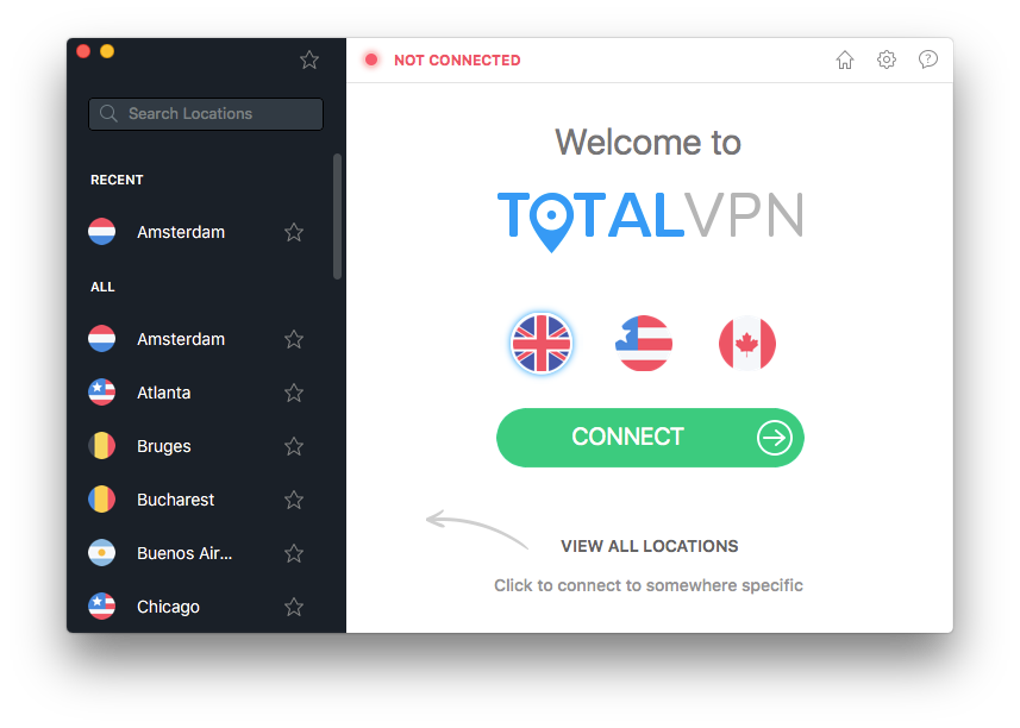
- One-Click Connection – A simplified interface allows users to connect to a secure server with minimal effort, reducing setup time and complexity.
These features support real-world use cases such as bypassing regional content blocks, securing financial transactions on public networks, or protecting personal communications. For example, a student using a university Wi-Fi network could use Total VPN to prevent network administrators from monitoring their online behavior. Similarly, a remote worker accessing company resources from home might benefit from the added layer of encryption.
User Interface, Workflow & Performance
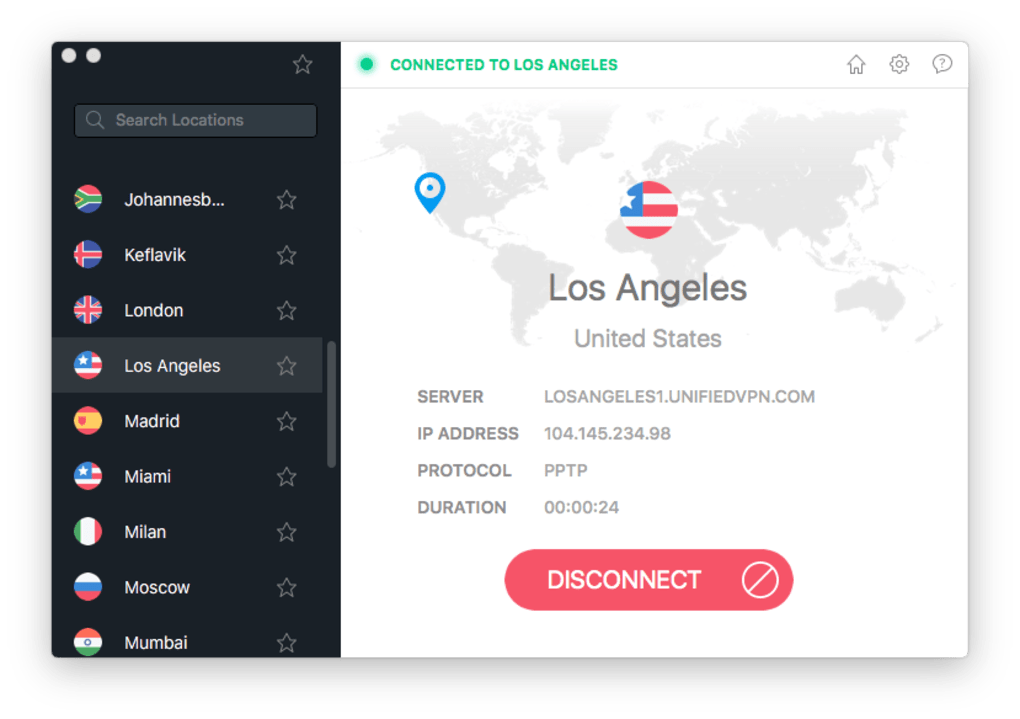
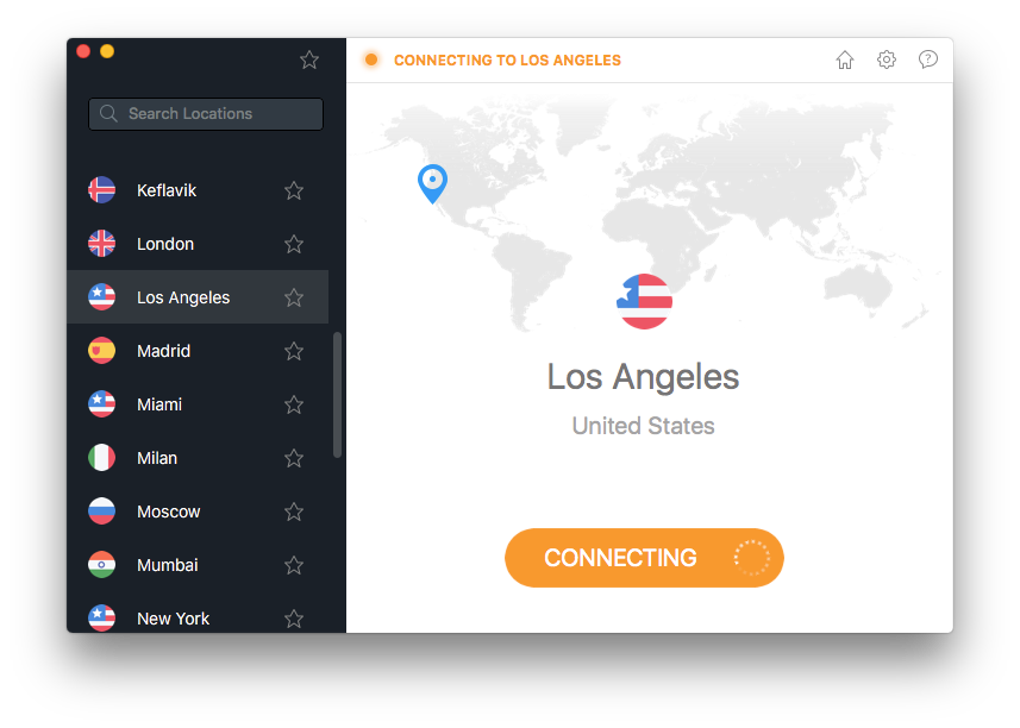
The user interface of Total VPN appears to be designed with simplicity in mind, featuring a clean layout with essential controls prominently displayed. Navigation is likely streamlined, allowing users to select server locations, initiate connections, and monitor session status through intuitive elements. The workflow emphasizes ease of use, with minimal steps required to activate a secure connection.
Given the software’s size of 25.4 MB, it is expected to have a lightweight footprint, which may contribute to efficient startup times and low memory consumption. However, exact performance details such as CPU usage, RAM consumption, or latency under load were not specified. The developer did not provide additional system requirements, so users should expect general compatibility with modern systems.
Stability is assumed to be consistent with standard desktop applications of this type, though no specific reports on crashes, freezes, or background behavior were included. Performance observations are based on general software behavior patterns, and actual results may vary depending on network conditions and device specifications.
Compatibility & System Requirements
Total VPN is officially supported on Windows, Mac, and Linux operating systems, making it accessible to a wide range of users regardless of their preferred platform. The software version is listed as 1.0.0, indicating it is a stable initial release. The installation file size is 25.4 MB, which is relatively small and suggests a compact, efficient build.
Exact system requirements were not listed by the developer. As such, users should ensure their devices meet minimum standards for running desktop applications, including sufficient RAM and processor capability. The developer did not specify whether the software requires administrative privileges or background services during operation.
Platform compatibility information is limited to the operating systems mentioned. No details were provided about support for older versions of Windows, macOS, or Linux distributions. Users are advised to verify functionality on their specific system before installation.
Pros and Cons
Pros
- Free to use with no subscription or hidden fees
- Unlimited data usage without throttling
- Available on Windows, Mac, and Linux
- Simple, user-friendly interface
- End-to-end encryption for secure browsing
Cons
- Exact system requirements not specified
- No information on server locations or network speed
- Developer background not disclosed
- Limited transparency regarding data handling policies
- Performance metrics were not provided
FAQ Section
Is Total VPN safe to use?
Yes, the software uses encryption to protect internet traffic and is designed to enhance online privacy. However, the developer did not provide detailed information on data logging practices or third-party partnerships.
Can I use Total VPN on multiple devices?
Yes, the software is available on Windows, Mac, and Linux, allowing users to install it on multiple devices. The license is free, so there is no restriction on device count.
Does Total VPN require a subscription?
No, Total VPN is completely free to use with no data limits or time restrictions. There are no paid tiers or trial periods mentioned.
How often does Total VPN receive updates?
The software was released on August 1, 2024. The update frequency has not been disclosed by the developer. Users are encouraged to check for new versions regularly.
Can I use Total VPN offline?
Total VPN requires an active internet connection to function. It cannot operate in offline mode, as it relies on server connections to route traffic securely.
Final Thoughts
Total VPN presents a compelling option for users seeking a free, unrestricted, and secure browsing experience. Its cross-platform availability, lack of data caps, and focus on privacy protection make it suitable for individuals who prioritize online anonymity and security. While the absence of detailed system requirements and transparency around data policies may raise questions, the core functionality appears aligned with user expectations for a privacy-focused tool.
For those who need a no-cost solution to protect their internet activity, especially on public networks or in restrictive regions, Total VPN offers a straightforward and accessible option. The combination of unlimited usage, encryption, and multi-device support positions it as a strong contender in the free VPN space.
Download Total VPN now
Guides & Tutorials for Total VPN
How to install Total VPN
- Click the Preview / Download button above.
- Once redirected, accept the terms and click Install.
- Wait for the Total VPN download to finish on your device.
How to use Total VPN
This software is primarily used for its core features described above. Open the app after installation to explore its capabilities.
User Reviews for Total VPN 0
No reviews found





.webp)